,girl,_Blue,yellow,green,cyan,purple,red,pink,_Beastcore%20style,1girl,future%20style%20(module),.jpeg)
Rabbit - v1.4 Showcase by Rabbit_YourMajesty

154 words
1 minutes
Connecting micin.life to Discord
This post will show you how to connect micin.life’s domain name to your Discord profile. I recommend you doing this on Discord mobile, so it’s easier to do these steps.
- Open up your Discord app on your mobile phone
- Navigate into User settings (click “You” tab 2 times)
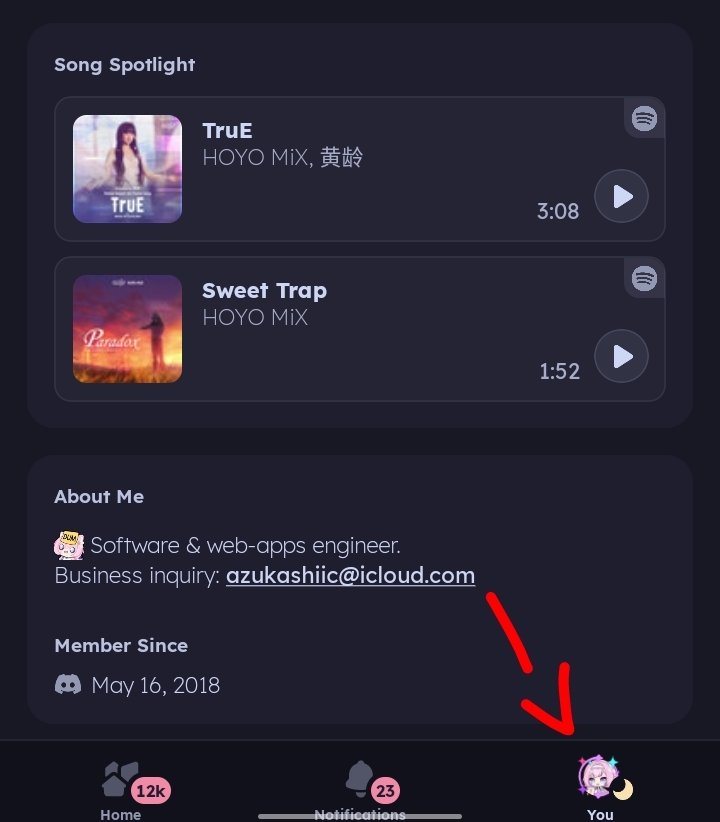
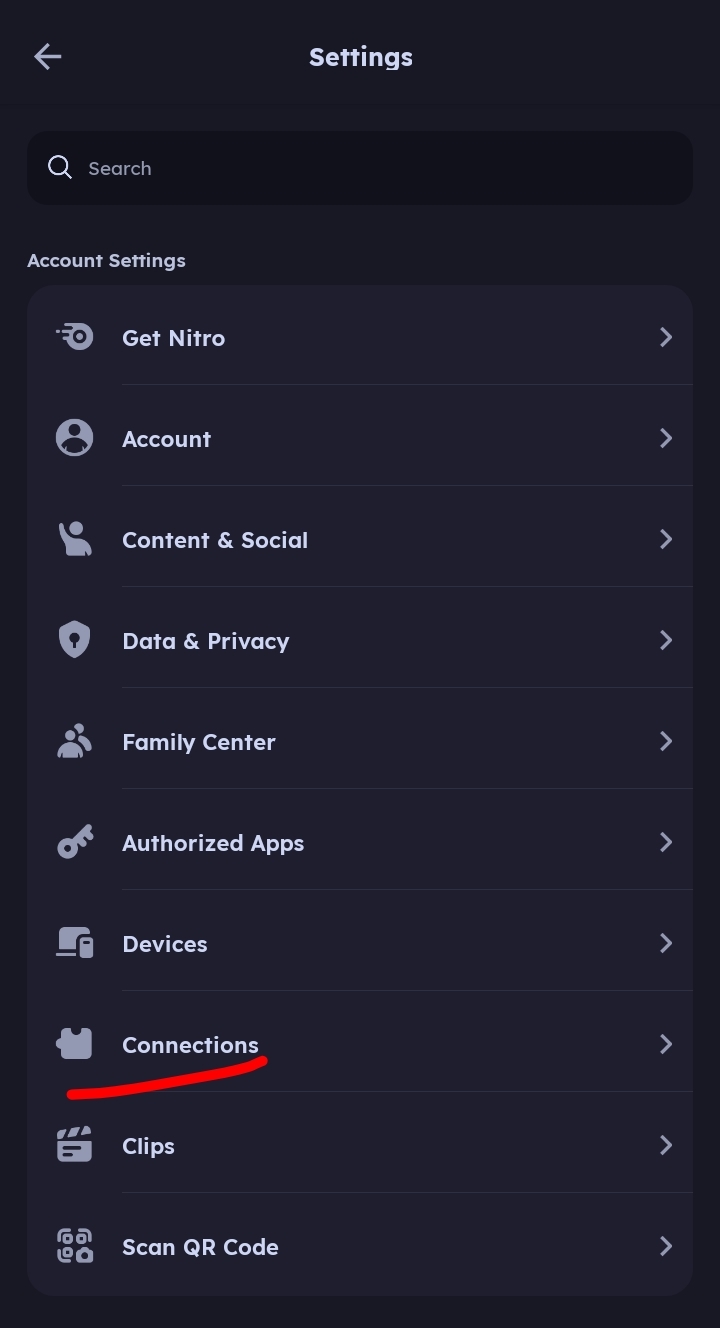
- Search for Connections
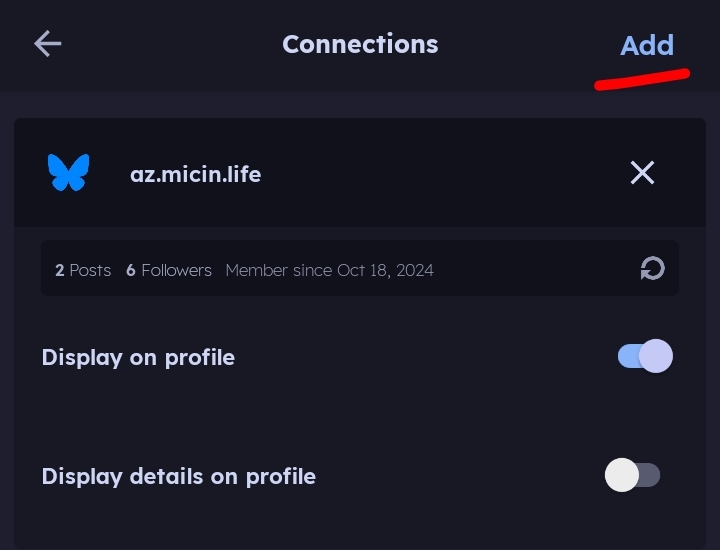
- Add new connections by clicking “Add” on the top right corner
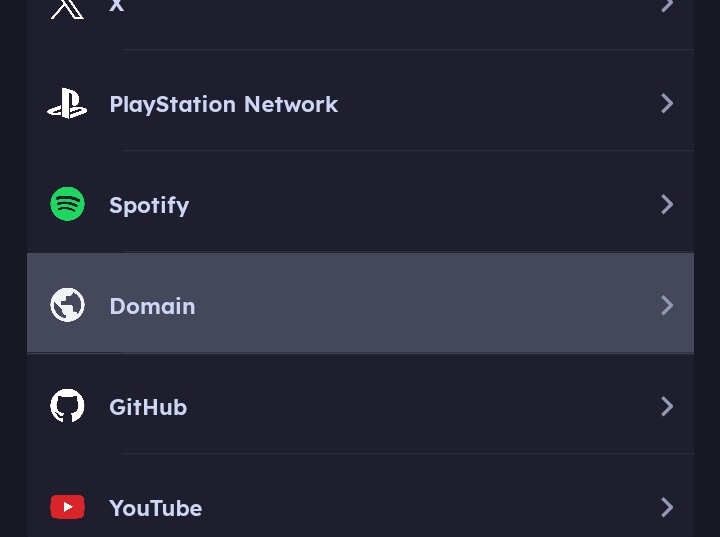
- Search for Domain connection
- Type
micin.lifeat the textbox withouthttps://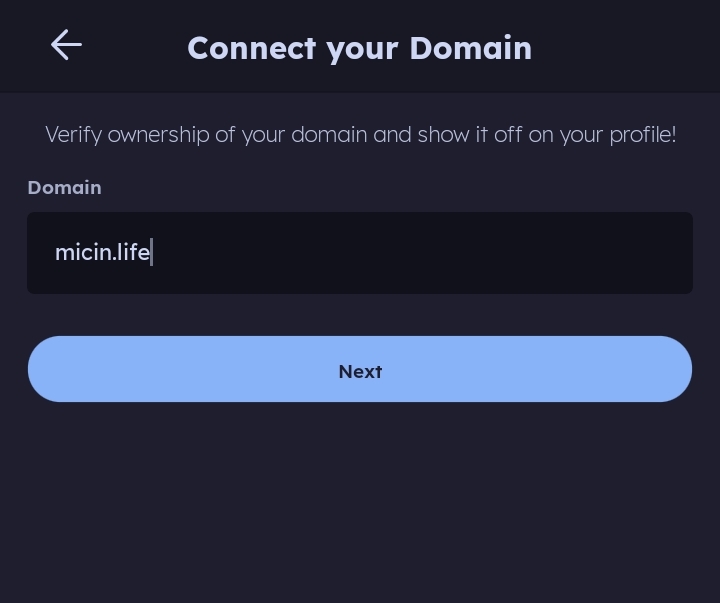
- Click “Next”, and a new screen containing verification information would appear. Take a Screenshot and send it to my personal DM. Since it contain sensitive info, sharing it in server would be risky.
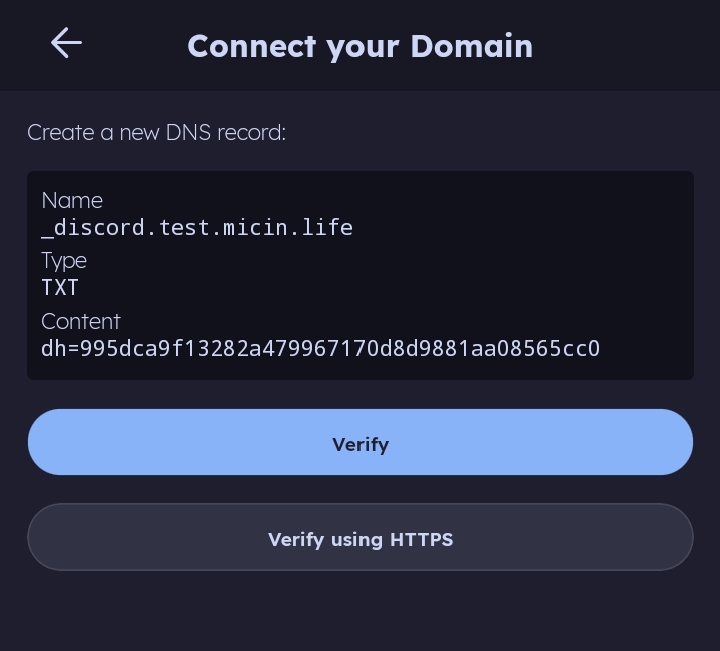
- Wait for me, I will upload the information you provided to the DNS server
- When I confirmed it’s done, go back repeat point 2 - 7.
- Click verify, and voila. You are done verifying the connection and this
micin.lifeconnection will immediately appear on your Discord profile.
Connecting micin.life to Discord
https://log.micin.life/posts/micin/